
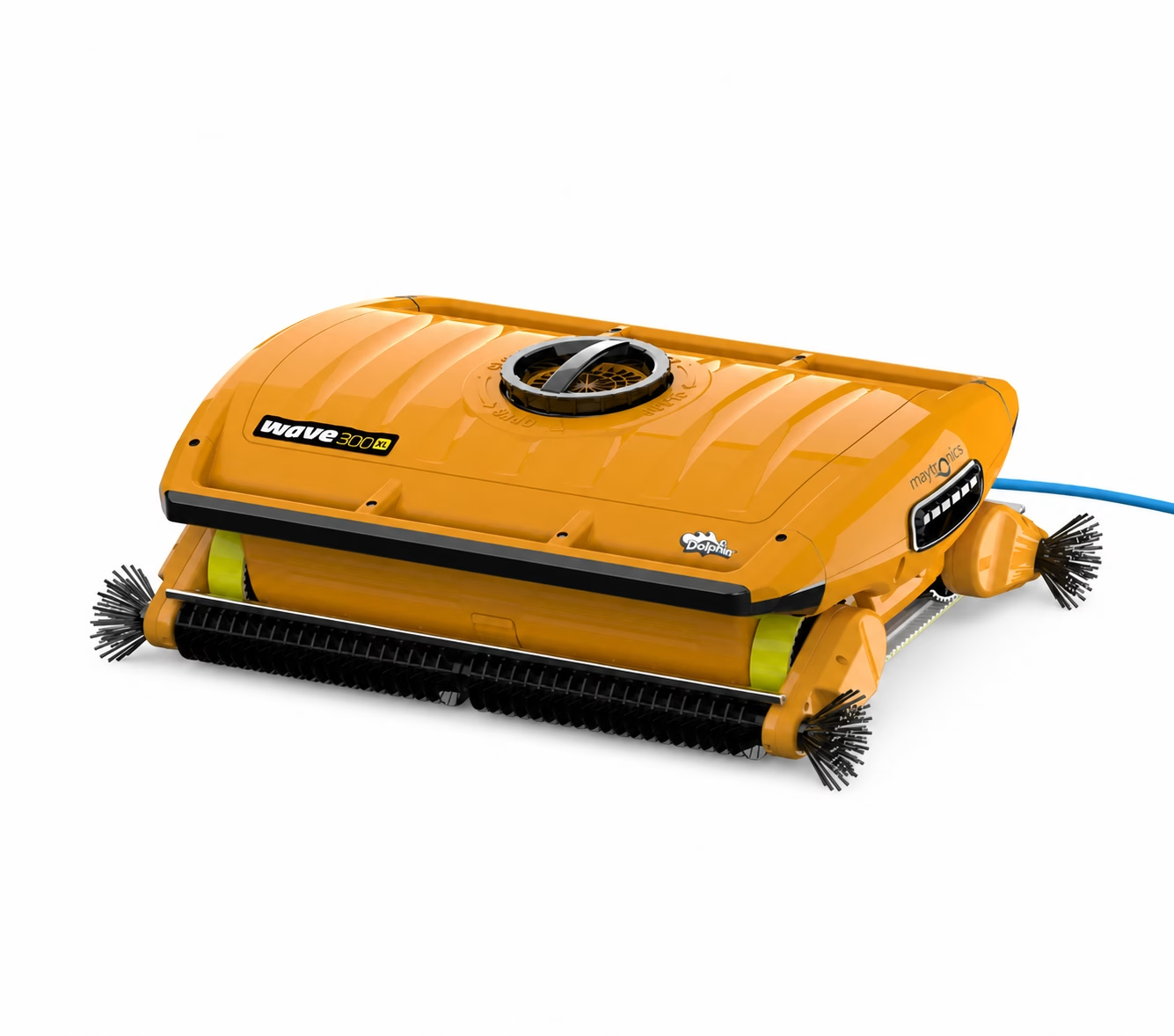

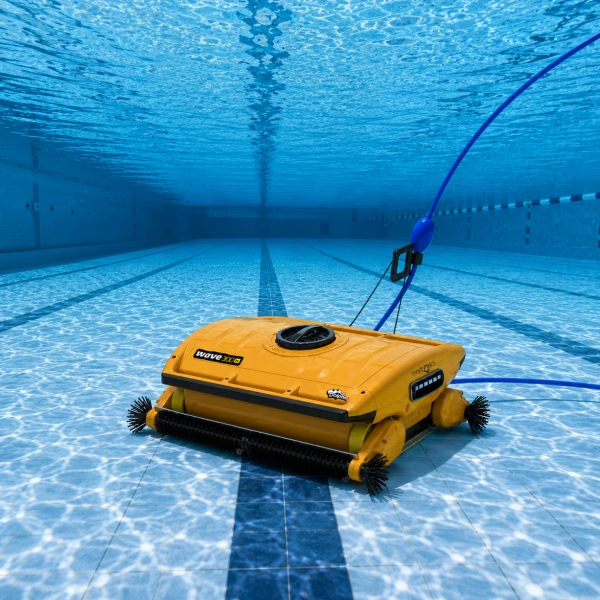
Dolphin Wave 300 XL Robotic Pool Cleaner
Powerful Commercial Pool Cleaning Made Simple
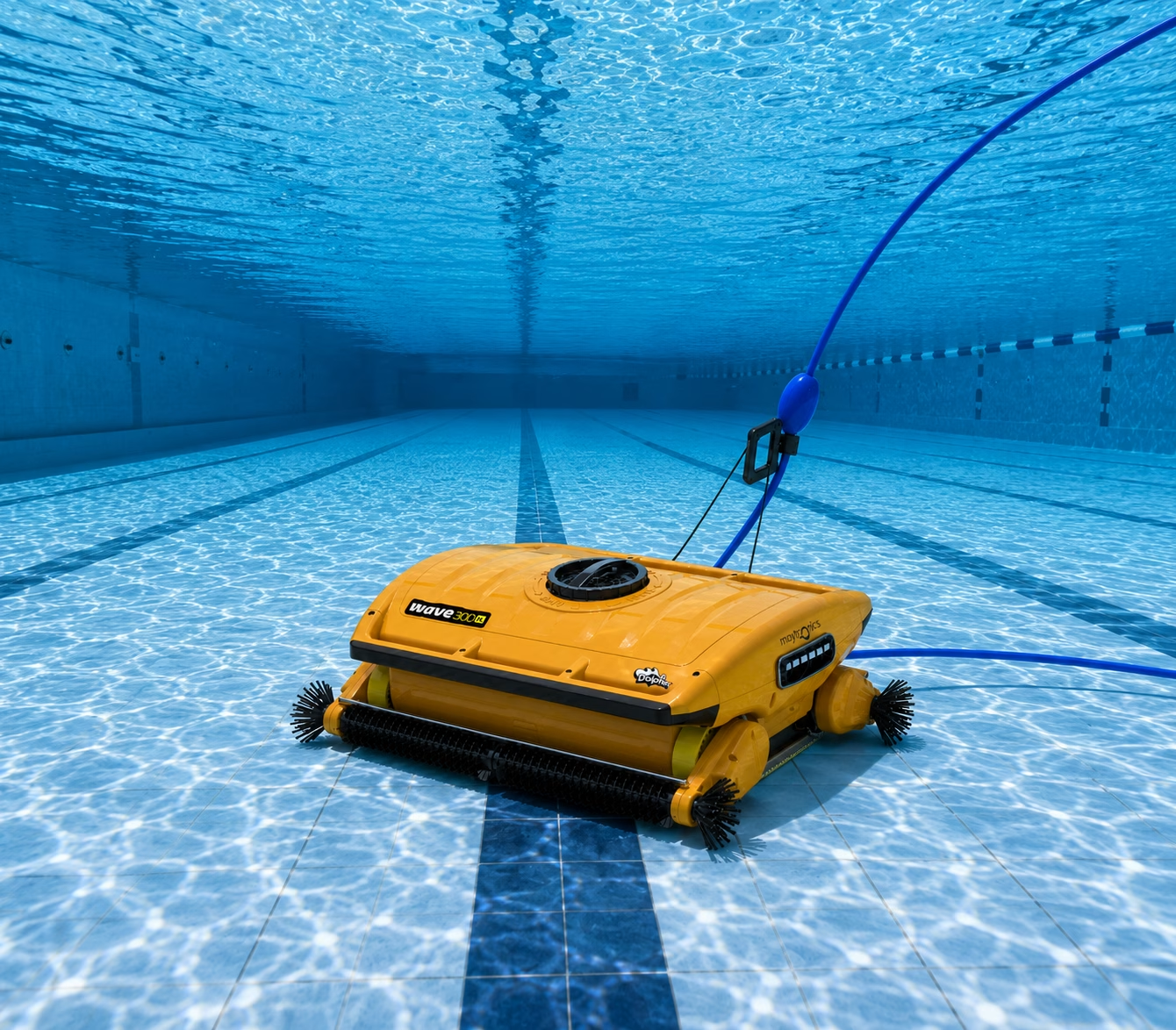
The Dolphin Wave 300 XL is a commercial robotic pool cleaner built to keep large swimming pools clean with minimal manual effort. It delivers reliable floor cleaning while helping maintain clear, inviting water for hotels, schools, fitness centres, aquatic facilities, and other commercial pools. Combining powerful scrubbing, advanced filtration, and simple operation, it provides an efficient cleaning solution that saves valuable time during routine pool maintenance.
Main Features
1. Plug’n’Play Operation
Simply connect the power supply, place the robot in the pool, and start the cleaning cycle in just a few easy steps.
2. Easy-Access Top-Loading Filter
The interchangeable top-loading filter bag is easy to remove from the top, also making cleaning quick, hygienic, and mess-free.
3. Patented Multi-Layer Filtration
Fine and ultra-fine filtration captures both large debris and smaller particles for cleaner water.
4. Customizable Cleaning Control
Choose the cleaning program that best suits your pool. The included remote control also allows manual operation when needed.
5. Energy-Saving Design
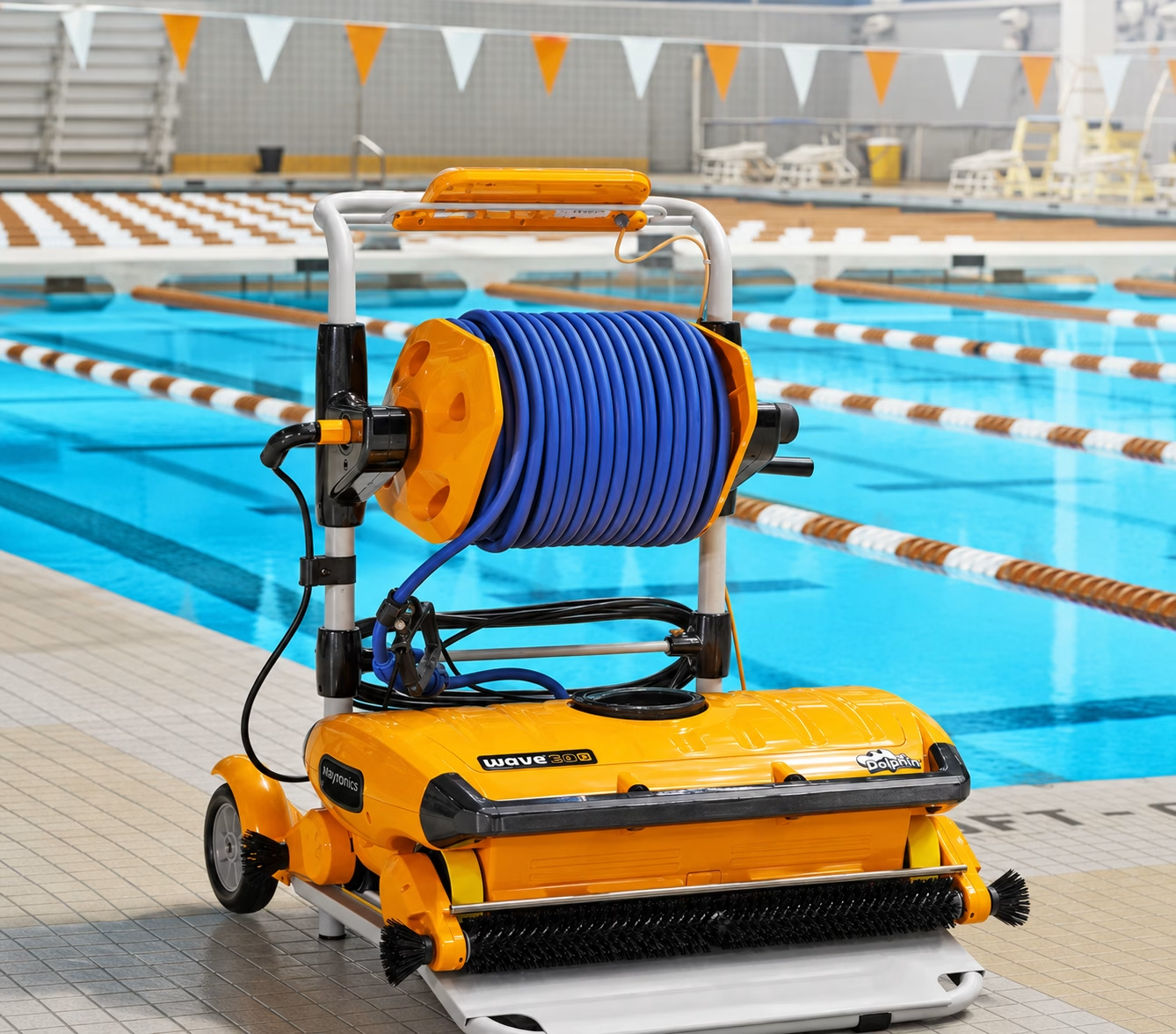
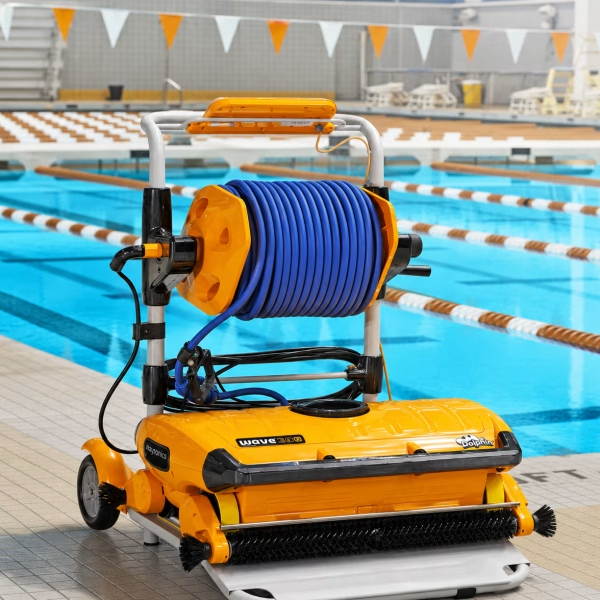
Reduce water, chemical, as well as electricity use with every cleaning cycle. Quick Water Release makes lifting the cleaner easier, while the included caddy simplifies storage and transport.
Efficient Dolphin Wave 300 XL Cleaning Performance
Designed for dependable commercial use, the Dolphin Wave 300 XL actively scrubs the pool floor to remove dirt, debris, as well as everyday contaminants. Its active standard brush also delivers consistent cleaning performance across the entire floor surface.
The six-hour default cleaning cycle provides thorough coverage for larger pools without constant supervision. An anti-tangling swivel helps prevent cable twisting, allowing the cleaner to move smoothly throughout each cycle.
Advanced Dolphin Wave 300 XL Filtration
Routine filter maintenance remains simple thanks to the convenient top-access design. The full filter indicator alerts you when the filter bag requires cleaning, helping maintain consistent performance throughout every cleaning cycle.
The interchangeable filter bag effectively collects debris while supporting efficient filtration. This practical design reduces maintenance time and keeps the cleaner operating at its best.
Simple Setup and Everyday Operation
Setting up the Dolphin Wave 300 XL takes only a few minutes before its first cleaning cycle.
1. Prepare the Cleaner
If your cleaner has white climbing rings, remove the protective plastic before first use. If it has foam brushes or foam rings, soak them completely before starting.
2. Position the Power Supply
Place the splash-proof power supply at least 3.5 metres from the pool in a shaded area. It is splash-proof, not waterproof.
3. Connect the Cable
Only release the cable needed to cover the entire pool. Leave any extra cable neatly rolled up outside the pool. Align the cable connector correctly before securing it firmly to the power supply.
4. Launch the Cleaning Cycle
Plug the power supply into a suitable electrical outlet without switching it on immediately. Place the cleaner in the centre of the pool, allow it to sink naturally to the bottom, and then start the cleaning cycle.
5. Follow Safe Operating Practices
Avoid using an extension cord during operation. Never lift or pull the cleaner from the pool using the cable while it is operating.
6. Prepare the Pool
For the best cleaning results, complete your seasonal pool preparation first. Balance the water, run the filtration system, and remove large debris with a pool net before using the cleaner.
7. Choose the Right Filtration
Compatible fine filters collect larger debris such as leaves, grass, and twigs. Ultra-fine filters are available for capturing smaller particles, including sand and dust.
8. During and After Cleaning
Some Dolphin models include adjustable handles that help control cleaning speed along the waterline. Once the cleaning cycle finishes, the robot switches off automatically.
9. Restarting the Cleaner
If the cleaning cycle stops before completion, the robot will restart the program from the beginning when switched on again.
Dolphin Wave 300 XL Technical Specifications
The Dolphin Wave 300 XL includes a delay start feature for added convenience. However, it does not include automation mode or a weekly timer.
- Cable Length: 165 ft
- Robot Weight: 26.5 kg
- Filter Access: Top access
- Filter Type: Interchangeable filter bag
- Cleaning Coverage: Floor only
- Active Brush: Yes
- Brush Type: Standard brush
- Anti-Tangling Swivel: Yes
Care and Storage
Looking after the Dolphin Wave 300 XL helps extend its lifespan and also keeps it performing reliably. After each cleaning cycle, remove the cleaner from the pool instead of leaving it in the water.
Store both the robot and the power supply away from the following to reduce unnecessary wear.:
- direct sunlight
- excessive heat
- freezing conditions
Place the cleaner on the supplied caddy and wrap the cable carefully to prevent kinks during storage.
Keep the power supply in a covered, shaded location that remains protected from rain, heat, as well as the cold. Position it at least 12 feet from the pool edge, preferably on the Dolphin caddy or another raised surface.
For off-season storage, keep the cleaner on its caddy in a protected area with temperatures between 5°C and 45°C (41°F to 113°F). Following these recommendations helps preserve reliable performance season after season.


